
Knows what's on your network
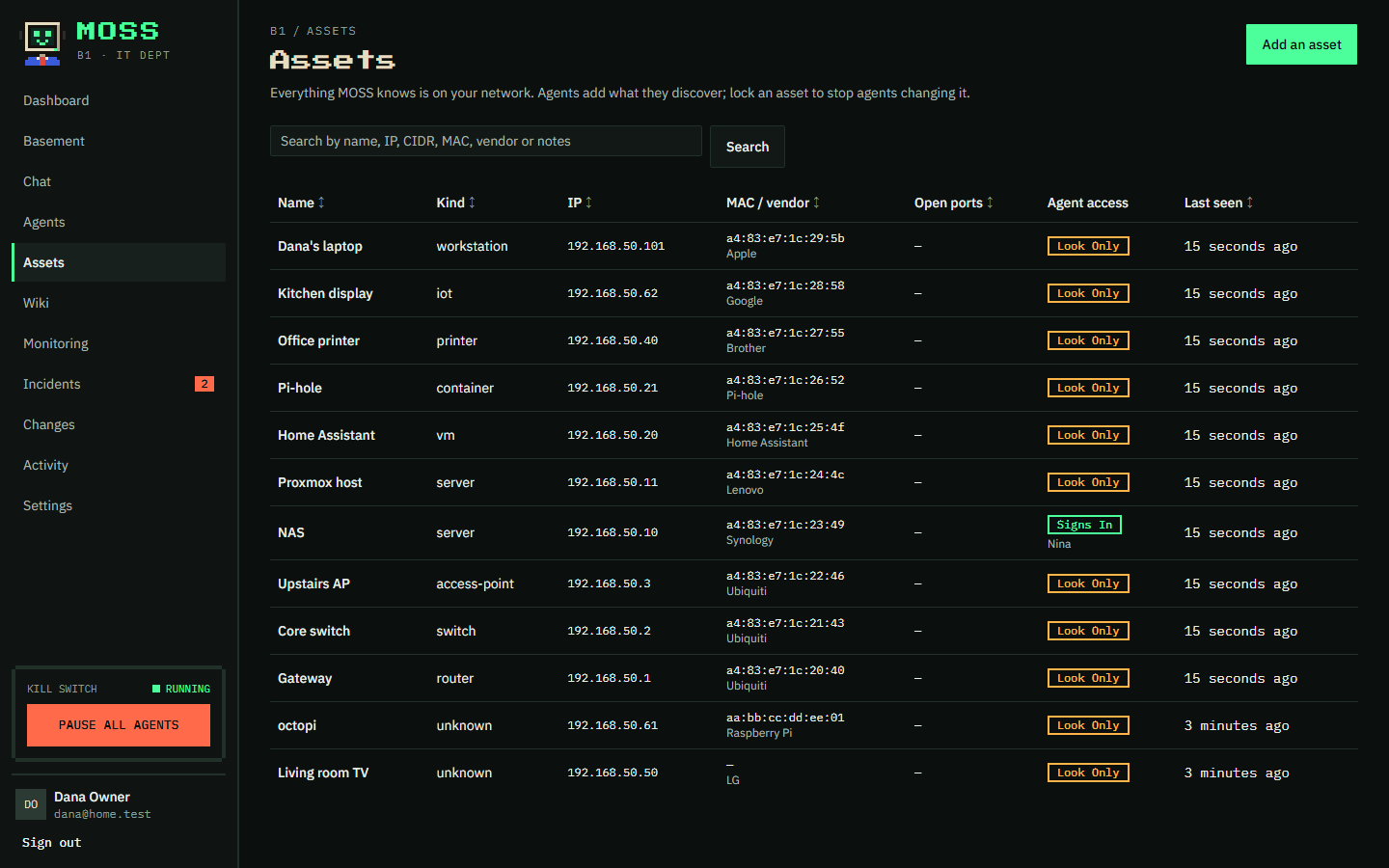
Agents scan the networks you allow and keep an inventory of every device: what it is, its address, who made it. Lock one and they leave it alone.
Open source · runs on your own hardware
MOSS looks after your home or small-office network with a team of AI agents. They find every device, watch the services you care about, work the problem when something breaks, and suggest fixes. Nothing changes without your say-so.
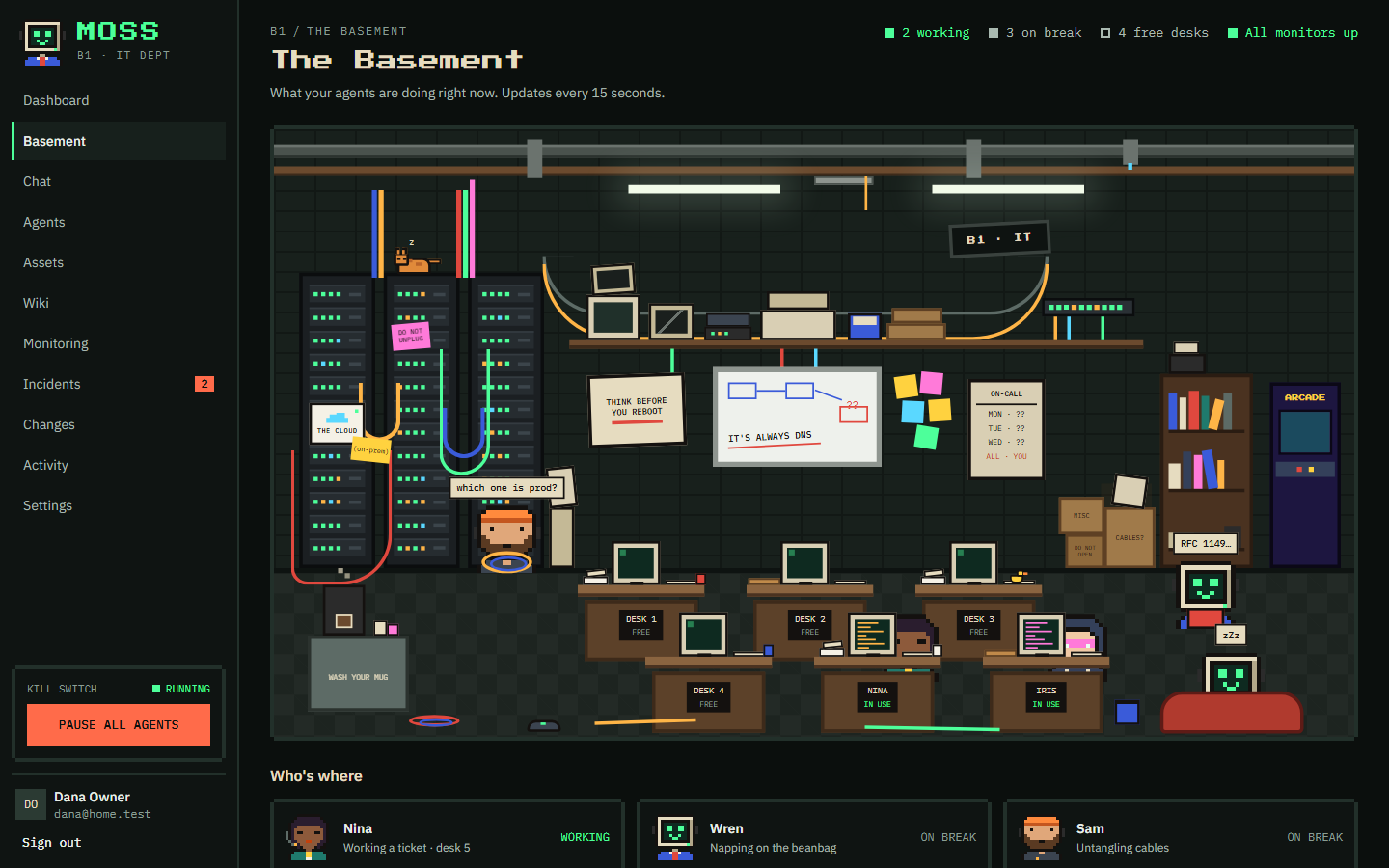
What MOSS does
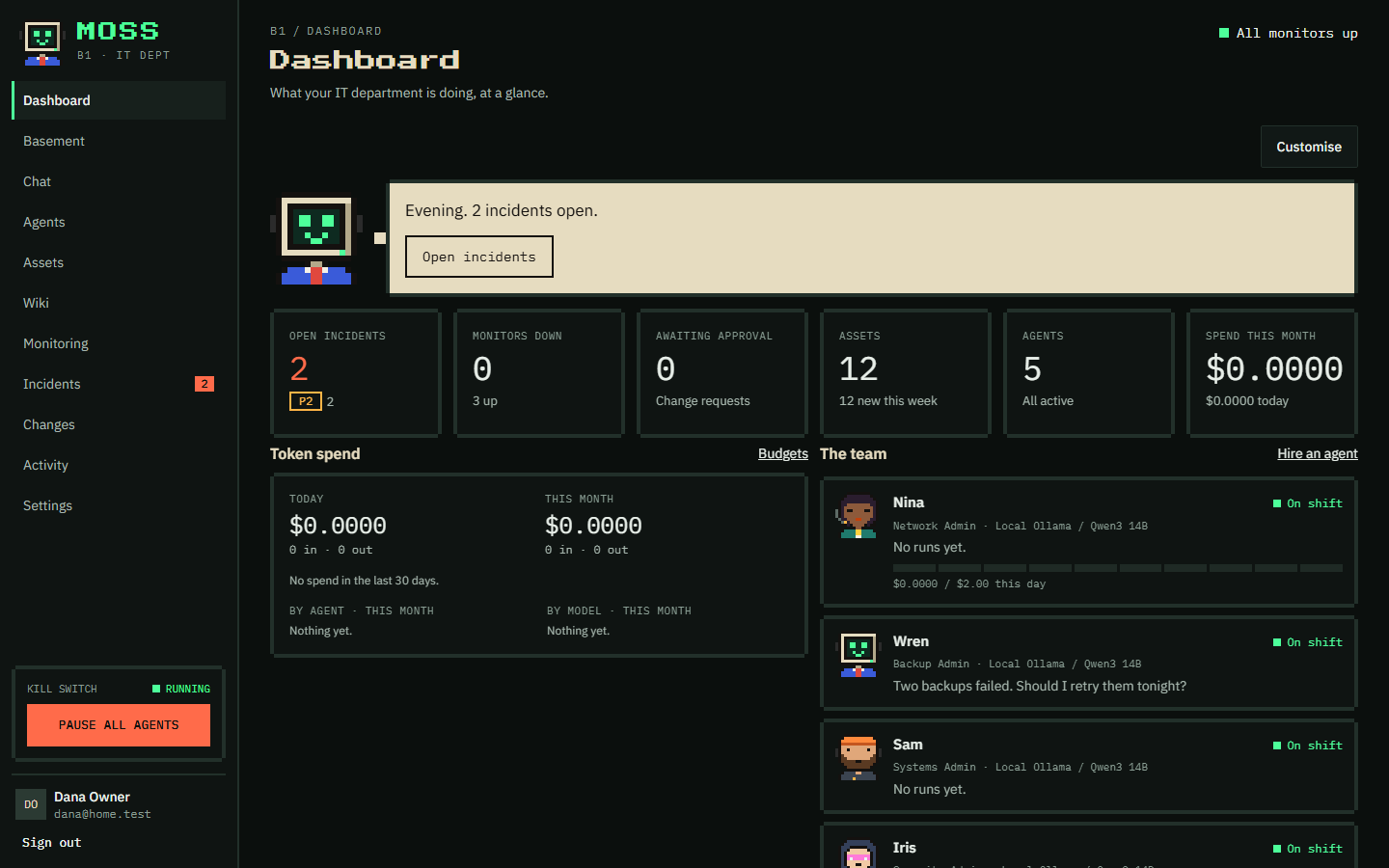
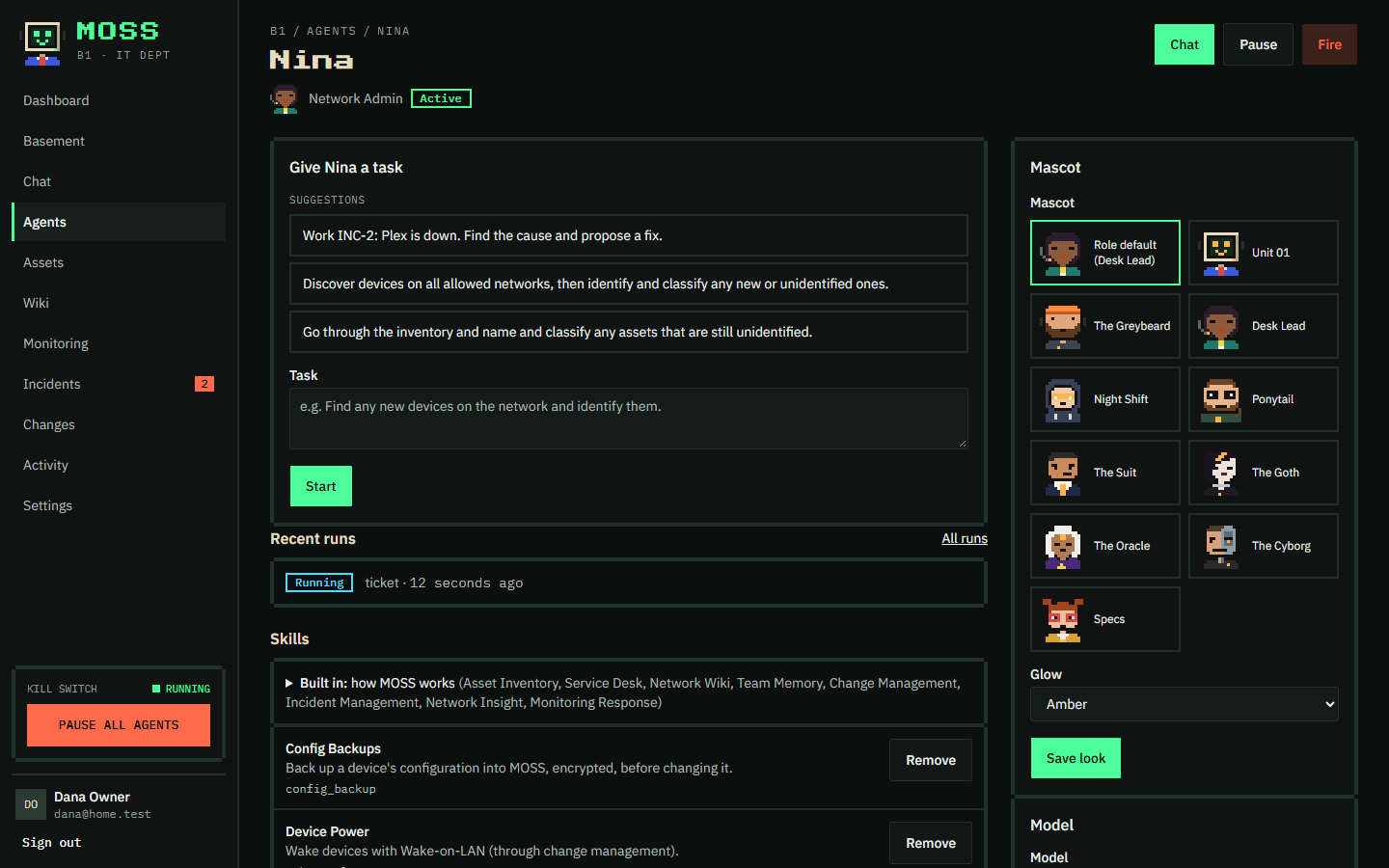
You hire agents (a Network Admin, a Systems Admin, a Security Admin) and give them a budget. They do the watching and the digging, so you only step in when it matters.
Agents scan the networks you allow and keep an inventory of every device: what it is, its address, who made it. Lock one and they leave it alone.
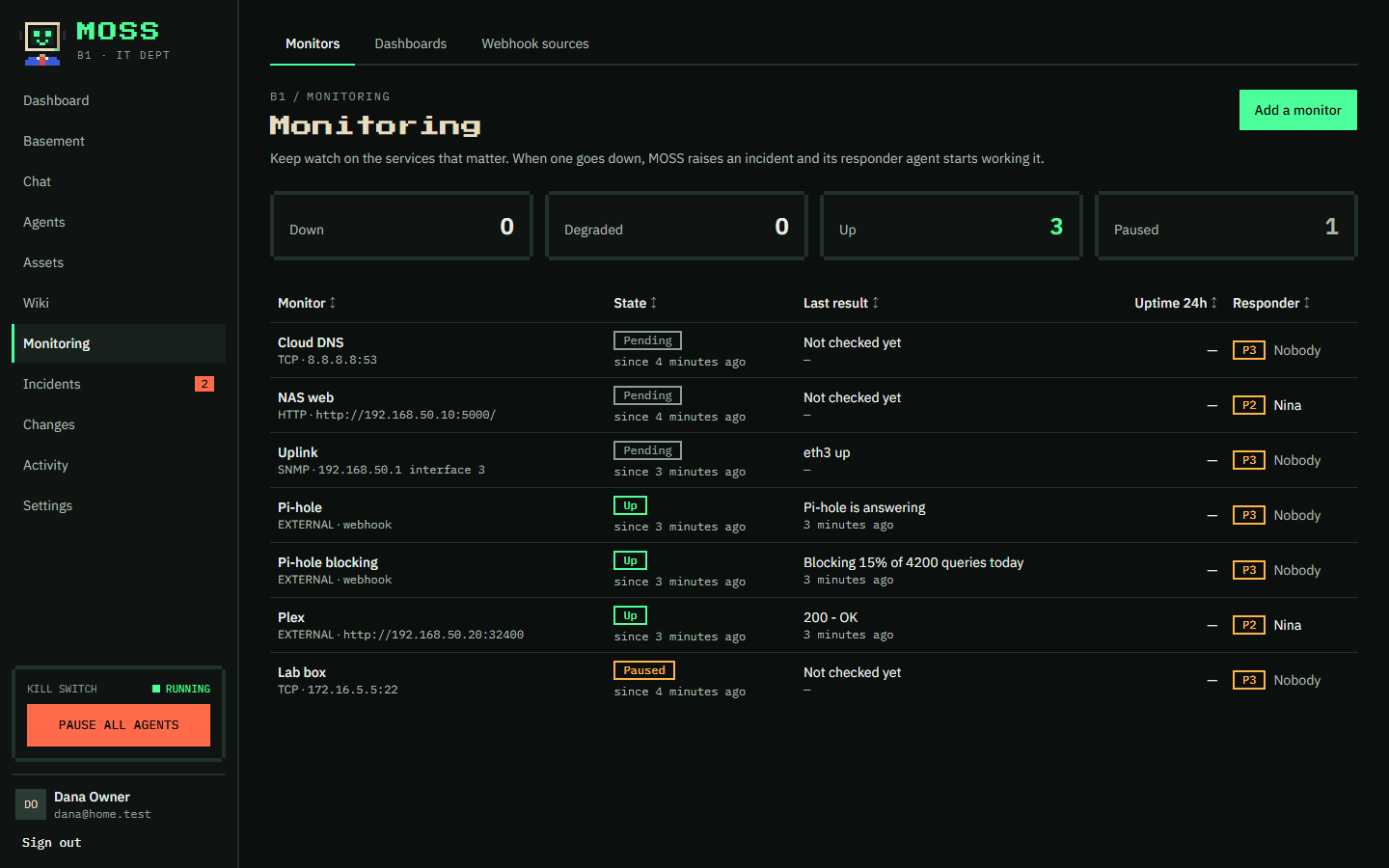
Ping, web, port, certificate and DNS checks, or alerts from Uptime Kuma, Beszel and Alertmanager. Build dashboards and put one on a TV.
When something goes down, MOSS opens an incident and an agent starts investigating straight away, then tells you what it found.
Restarting a service, rebooting a server, blocking a device: an agent writes down the exact steps and how to undo them, then waits for you.
Chat with any agent, give it a task, or ask Moss, who knows MOSS inside out. Each one has its own skills, schedule and spending limit.
Anthropic, OpenAI, OpenRouter, a Claude Pro or Max subscription, or Ollama on your own hardware, so nothing leaves your network.
How it keeps you safe
Your network can contain hostile data: a device named "ignore previous instructions" is a real attack. So safety never depends on the AI behaving.
secret:router-ssh.Plex stopped answering at 21:04. The container is running but unhealthy after a failed library scan.
Rollback: none needed. The restart changes no settings.
A look around
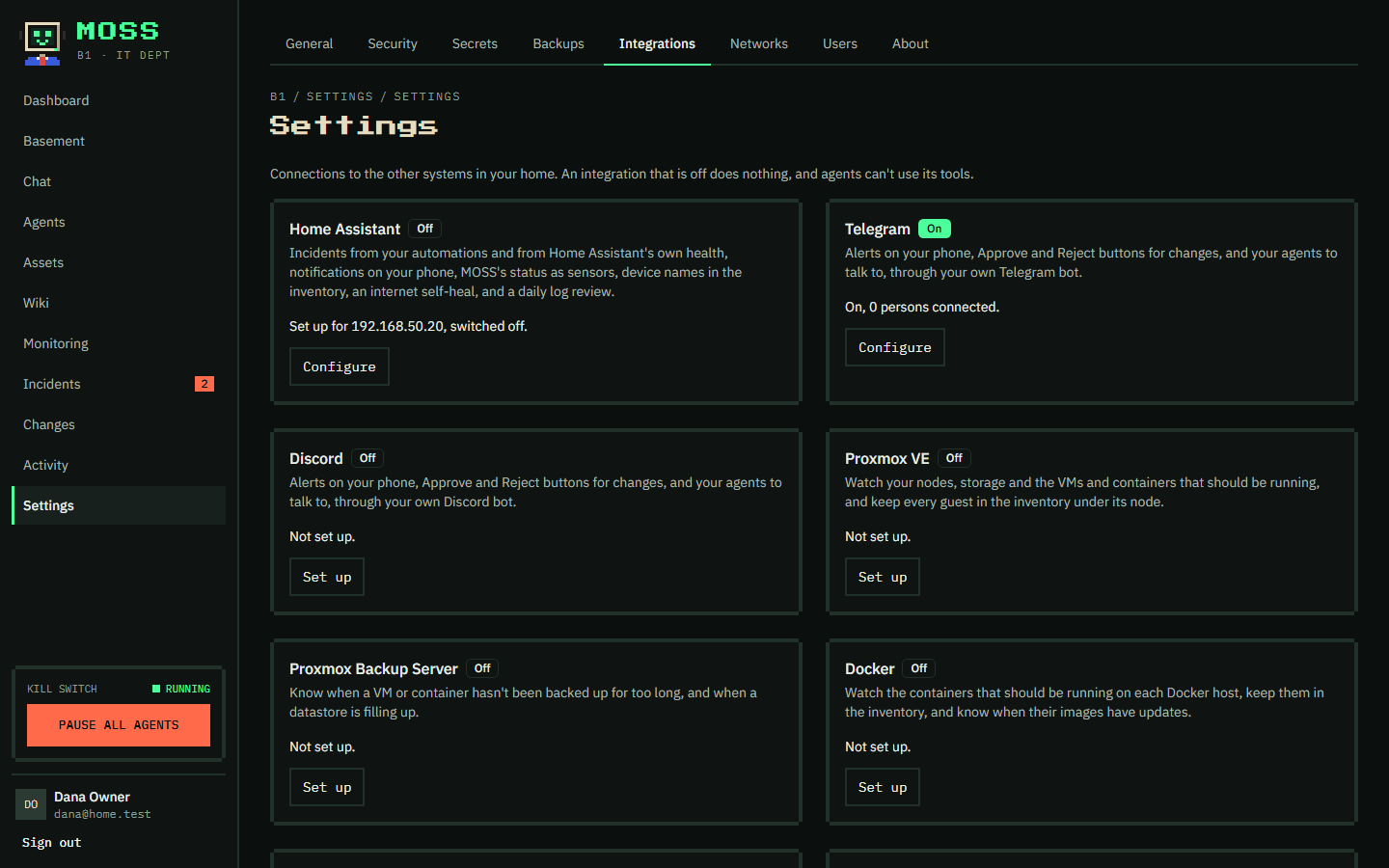
Integrations
Each integration adds health checks, fills in your inventory, and gives agents safe, approved ways to help.
Get started
You need a computer that stays on (Linux is recommended), Docker with the Compose plugin, and openssl.
$ git clone https://github.com/Dan5672/MOSS.git
$ cd MOSS
$ git checkout "$(git tag --list 'v*' --sort=-v:refname | head -n 1)"
$ sh deploy/init.sh
$ docker compose -f deploy/docker-compose.yml --env-file deploy/.env up -d --build
init.sh printed, from any device at home, and create your account.New to MOSS? The getting started guide goes step by step.
Free & business
Free
Open source under the GNU AGPL v3. Everything you need for a home or home lab.
Licence
For companies that run on Microsoft, Google, Slack or the cloud.
Contact
Ask about a business licence, tell us how you use MOSS, or ask a question. We'll reply by email.